Factories is the most ambitious custom graphics GUI system ever made. So why would you miss out on this opportunity for your survival server? Factories is like a second video game that can be installed on your Minecraft server, plug and play, without needing any mods. Players can produce a specific item in each factory, and every factory can be upgraded and purchased at an increasing difficulty/price. The possibilities with this plugin are almost endless. Keep reading to learn more about the plugin.
The plugin and configuration are fully customizable if you already know how to configure menus. However, the configuration is quite advanced, so making significant changes could be challenging. We would be happy to assist you with any issues on our Discord server!
[!] The factories system does not work for players who are OP on your server since it is permission based.

Below is a GIF that shows how the production function actually works. Players begin by inserting the required resources by left-clicking on the production option. This starts the production process, which can take anywhere from 10 minutes to 1 hour, depending on what item is being produced and how many the player wants to produce. Once the production is completed, the player can claim the finished product. The required resources are very similar to the ones required for crafting the item in vanilla Minecraft. However, using the factory is more efficient than vanilla crafting.
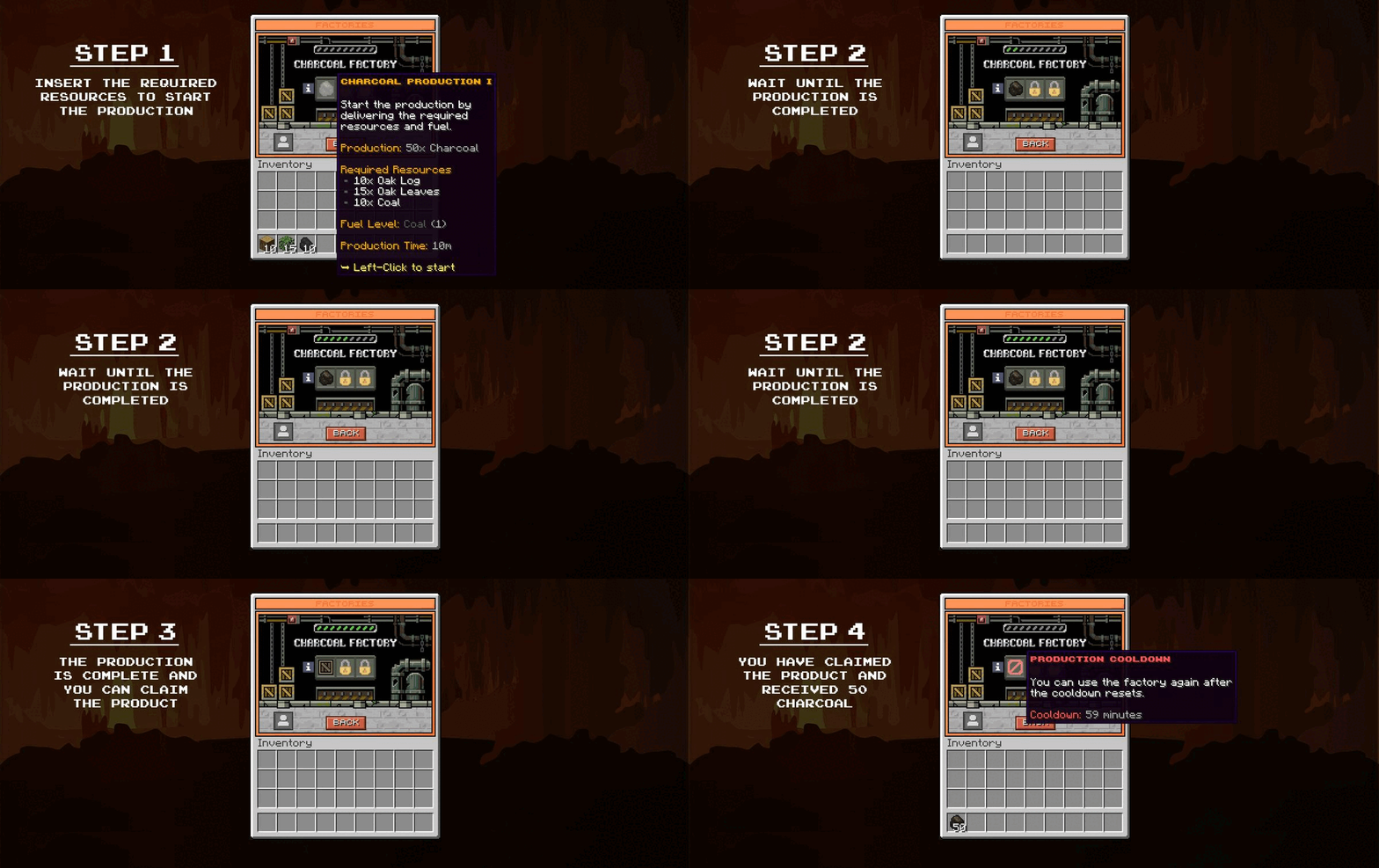
These are the basics of the factories plugin, which revolves around the production system. However, there is much more to explore within the system. Players can purchase and upgrade factories, research subjects to improve their capabilities, achieve milestones, and much more.

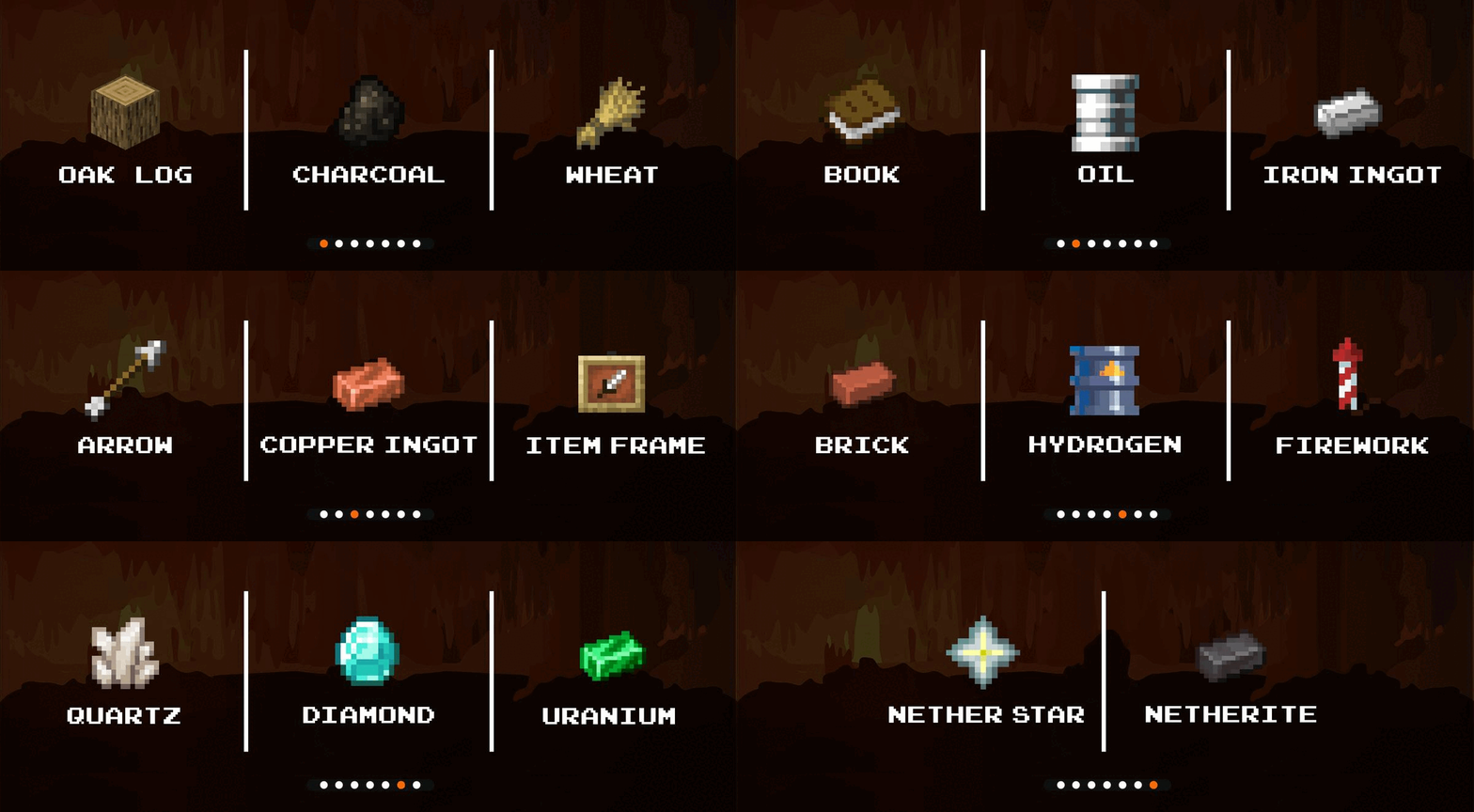
The plugin includes 20 factory types, allowing players to produce 20 different items. These items are carefully selected to make sense in real life and are used in many recipes in Minecraft. Four of the item types that players can produce are fuels, required for specific productions. Every production requires one type of fuel, and the level of fuel required increases with the rarity of the item produced.

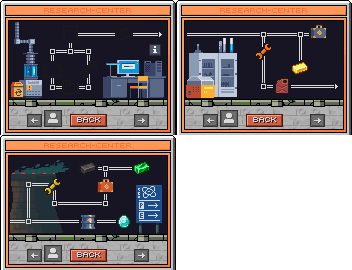
The research center is a new system that players must grind through on your server. They have to research certain subjects to improve their factories and unlock specific factories and features. It almost feels like playing a secondary video game beside Minecraft, which is super cool.
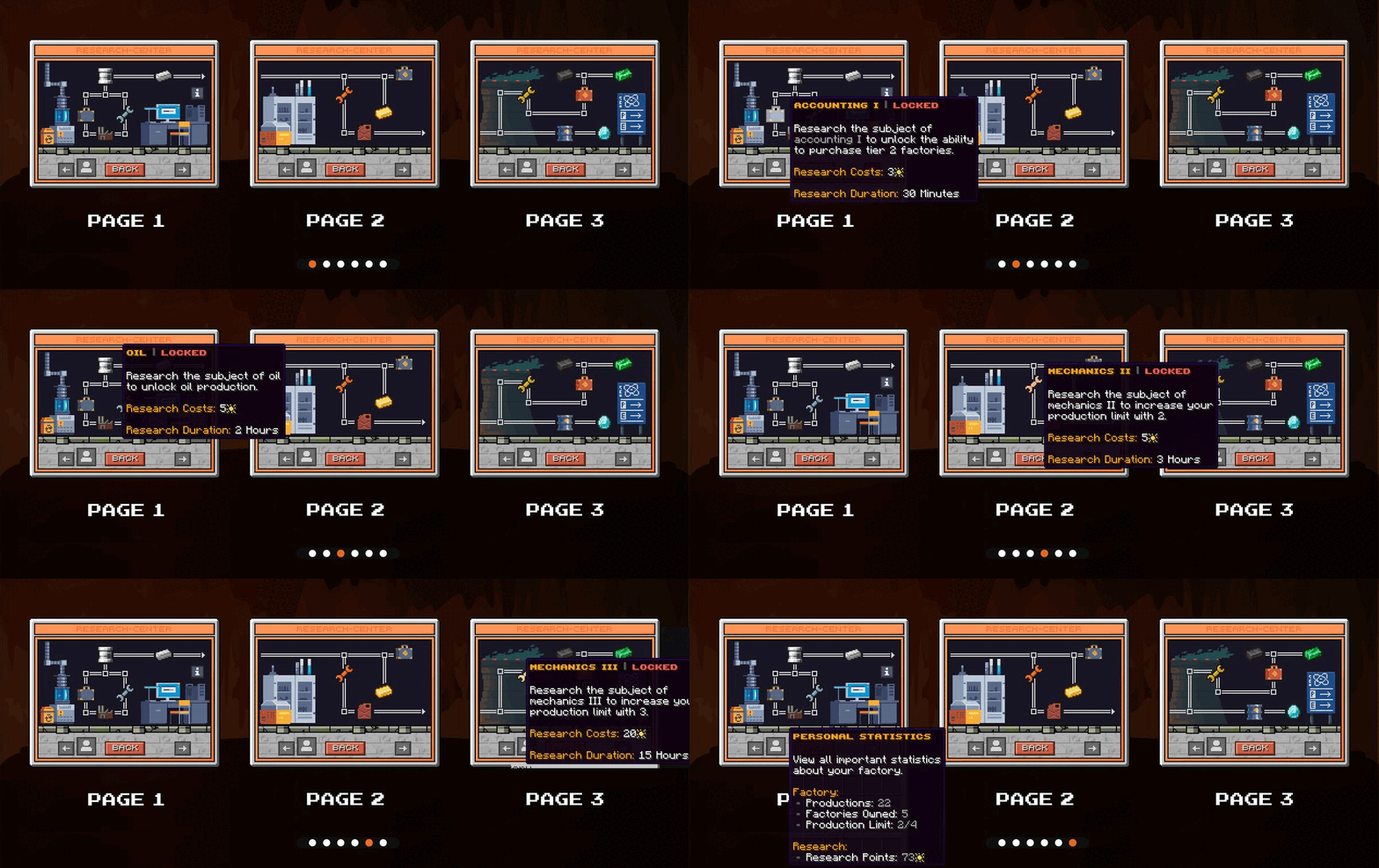
Researching subjects requires the currency "Research Points". The more advanced the research, the more research points it will require. Research also takes time to complete, just like in any other video game. Once the research is completed, players receive the results.

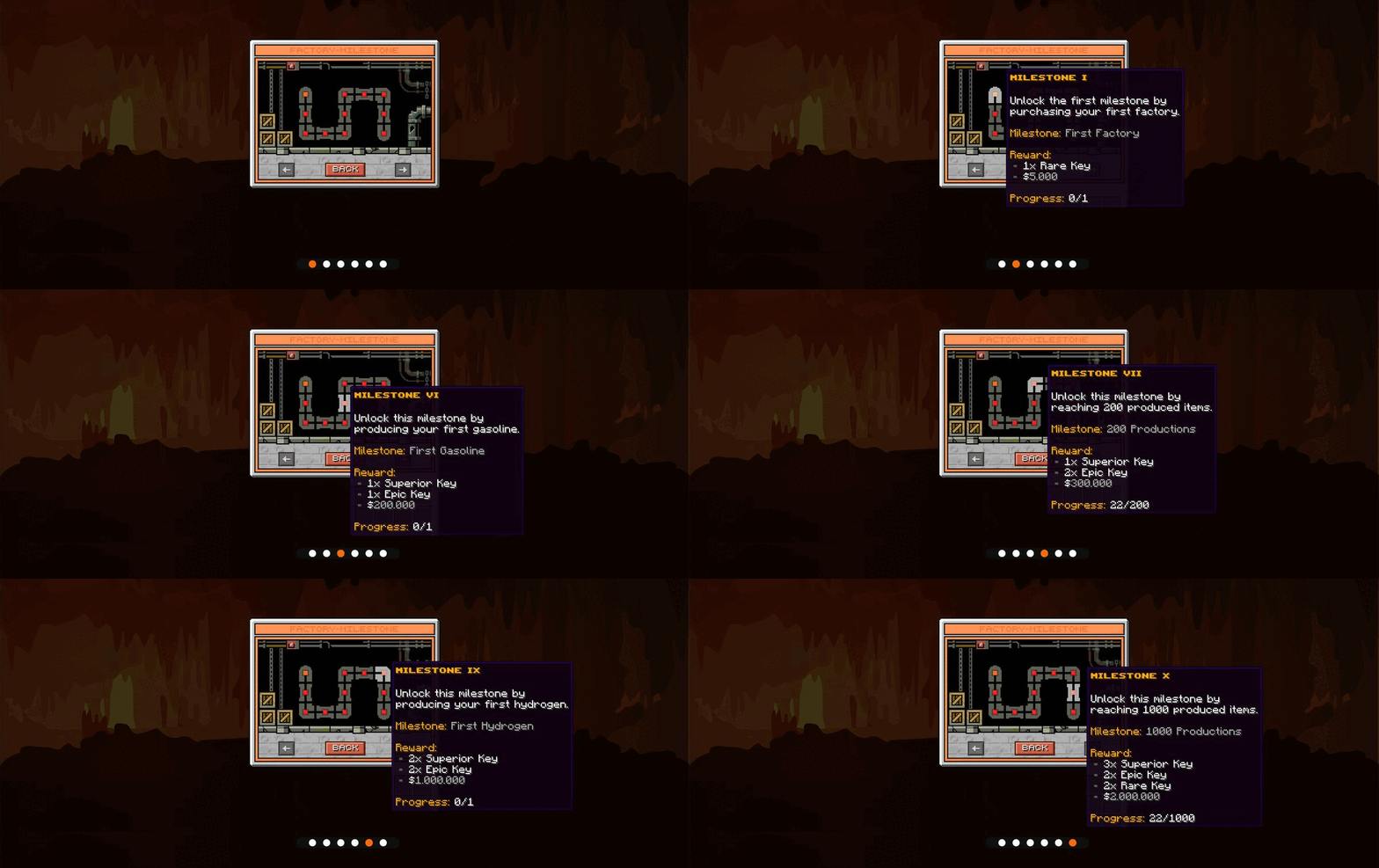
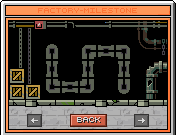
The milestone system is a way for players to earn rewards by progressing through the factories system. There are 11 milestones, either about reaching a certain production amount or unlocking a crucial factory like fuel factories.

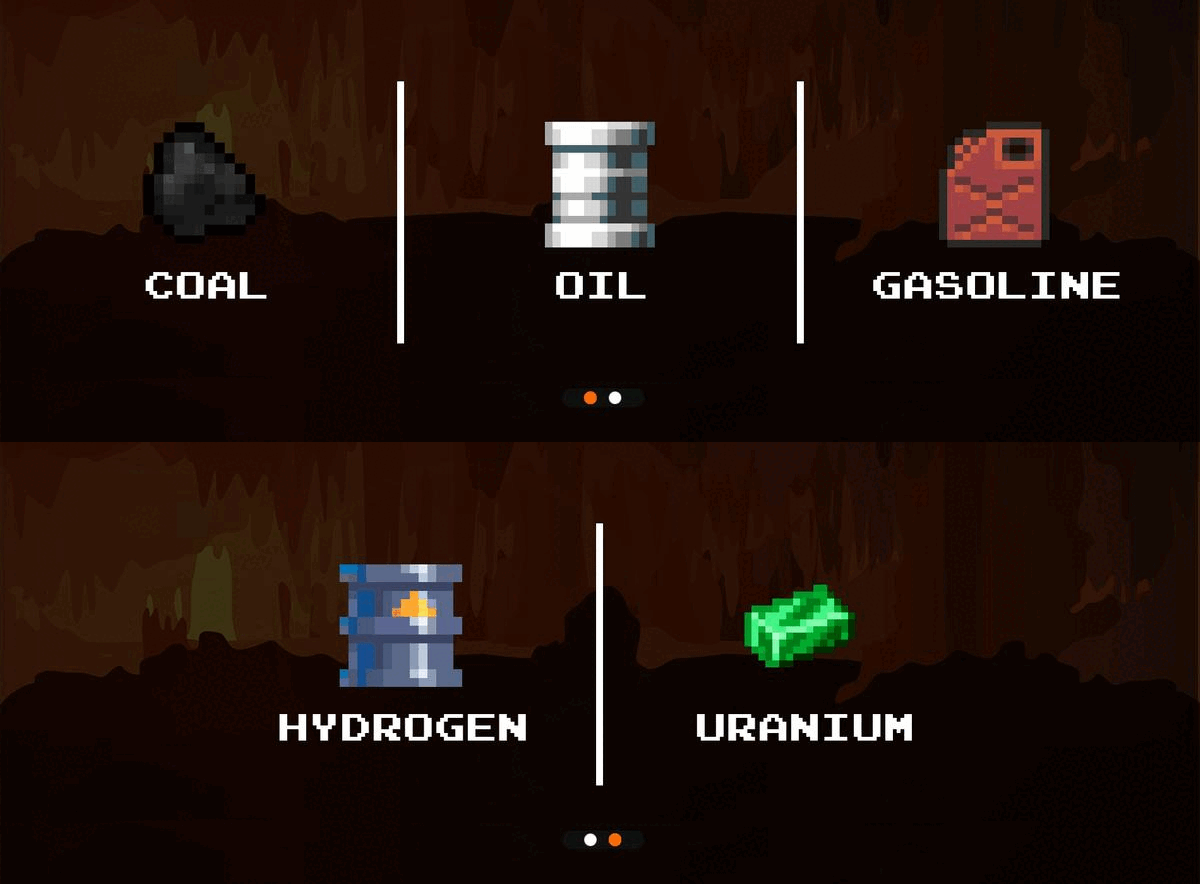
All factories require a specific type of fuel to start production. There are five types of fuel on the server, four of which are custom items. The value of the product determines the type of advanced fuel required.

The plugin keeps statistics for the following parameters:
Factories owned | PlaceholderAPI: %multicurrency_balance_FactoriesOwned_nosymbol%
Productions completed alltime | PlaceholderAPI: %multicurrency_balance_ProductionsCompleted_nosymbol%
Research points alltime | PlaceholderAPI: %multicurrency_balance_FactoryResearch_nosymbol%
Productions Ongoing | PlaceholderAPI: %multicurrency_balance_ProductionsOngoing_nosymbol%
Production Limit | PlaceholderAPI: %multicurrency_balance_ProductionLimit_nosymbol%

/Factories | Open the main factories menu | Permission: bossshop.open.command
/Factory | Open the main factories menu | Permission: bossshop.open.command
Below are some of the admin commands you can use the add/remove research points, or complete productions and research instantly. Remember that you can't use the factories system as a player if you are OP:
/Factoriesresearch [add|remove|set] %player% %amount% - Add or remove research points
/Factoriesproductioncomplete %player% %factory% %tier% - Complete a specific ongoing production
/Factoriescooldown %player% %factory% %tier% - Skip cooldown for specific production
/Factoriesresearchcomplete %player% %research subject% - Complete a specific ongoing research

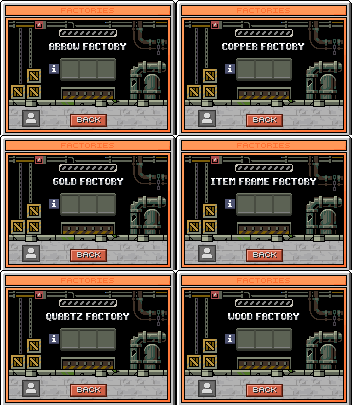
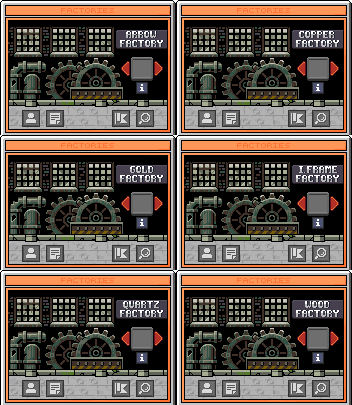
The system includes over 50 custom graphic menus and 30 custom graphic items. We have been very meticulous in creating this system to ensure everything is perfect. (These are raw graphics, not how they appear in-game).
Thank You for viewing the factories config!
Test factories now at IP: 144.76.173.107:25515

Contact: Chrizz#9257