Product Description
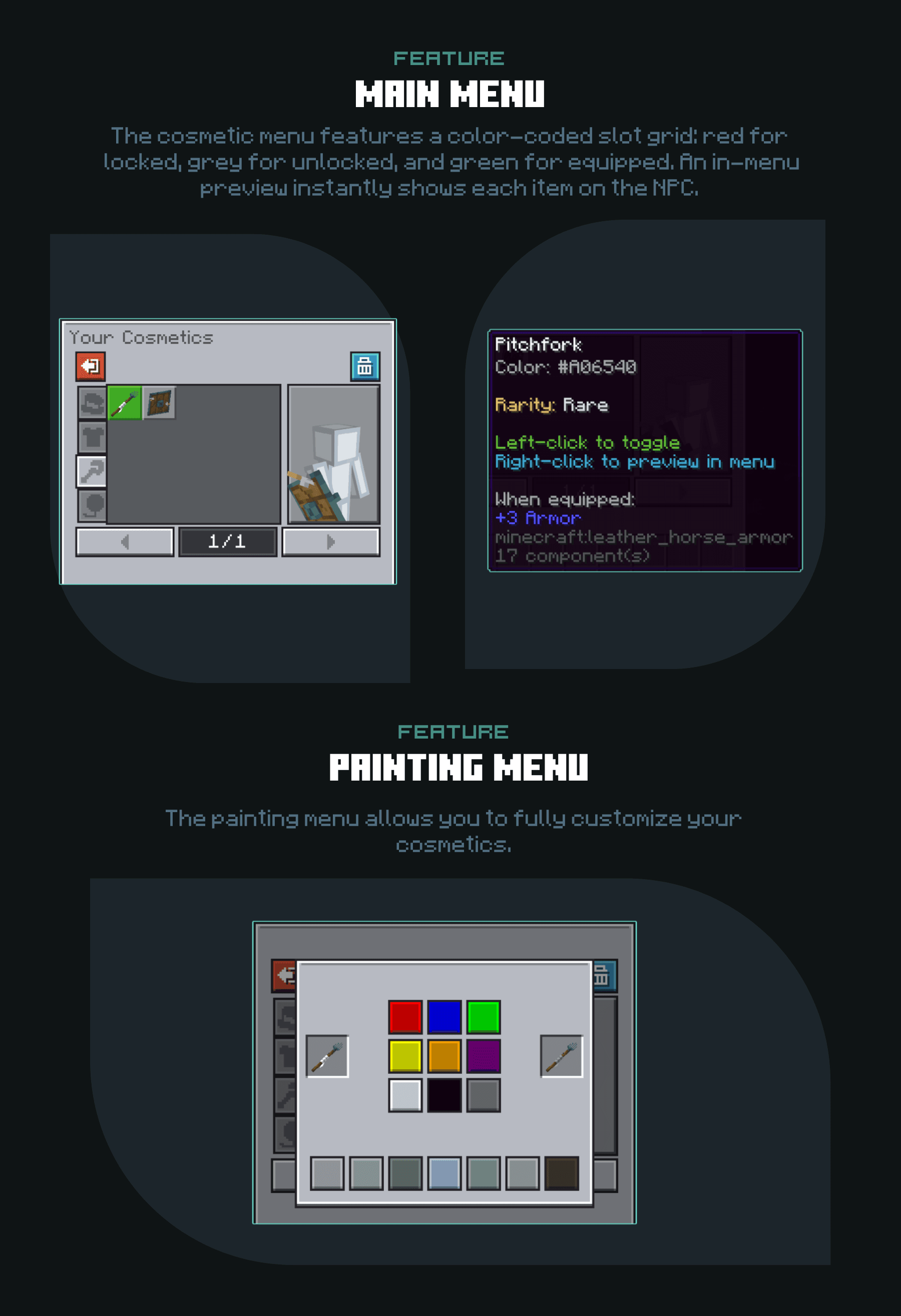
This product adds a Cosmetics UI configuration for the HMCCosmetics plugin with a modern and clean design inspired by Ore UI. It includes 2 custom-made menus and a built-in in-GUI cosmetic preview, which instantly shows how each item looks on an NPC. The layout features color-coded slot indicators that clearly display whether a cosmetic is locked, unlocked, or currently equipped, making customization simple and visualDrag and drop installation with instructions. It is as simple as dragging the folders into the correct folder. Active support if required.
[Impotant] Setting up a preview for every cosmetic in the GUI is time-consuming!
You can download here the premade default cosmetics, that i used for example.
https://mcmodels.net/products/15368/barrel-knight-cosmetics-free
 List of Menus
- Main Menu
- Painting Menu

![BoomBox ✅ Music plugin | Custom songs | No dependencies [1.12-26.1]](/data/resource_icons/2/2241.jpg?1770500906)


![⭐LiteFish⭐ [1.16 - 26.2]⚡Level System NEW UPDATE⚡](/data/resource_icons/2/2683.jpg?1767215084)